Turn one-time visitors into your regulars.
The math of a healthy game store: 80% of your revenue comes from the players who show up every week. AleaMeep gives you the tools to recognize them, stay in touch with them, and grow that base.
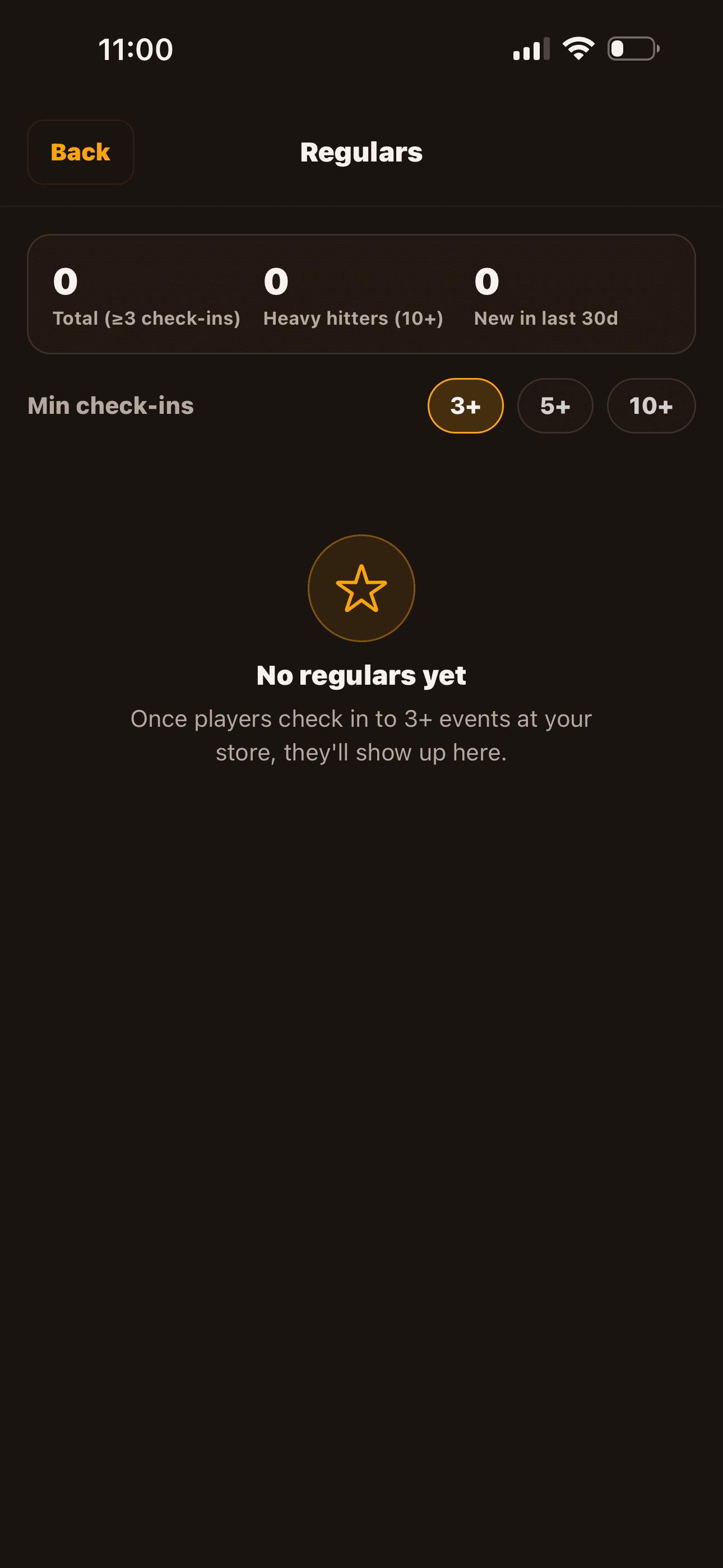
The Regulars view
A live list of every player who's checked in to 3+ events at your store, sorted by attendance count and recency. Tap into a regular to see their profile and a 'first seen' timestamp. Toggle the threshold (3+ / 5+ / 10+) to find your heavy hitters.
Newsletter broadcasts
When something matters — a schedule change, a tournament, a new series — flip the 'Notify followers' toggle on a store post. Every follower gets a push notification. Off by default so you stay above the spam line; on when it counts.
Activity feed reach
Every store post you publish surfaces in your followers' activity feeds, even when notifications are off. No algorithm filtering. If a player follows you, they see what you're up to.
Store team management
Add staff as managers or members. Managers can post on behalf of the store, manage events, and review verifications. Members get back-of-house visibility. Owners keep ultimate control.
Three loyalty loops that compound
Each tool feeds the next. Stores running all three see meaningful retention lift.
- 1Check-in → Regular → Recognized
Players check in to your events. After 3 check-ins they appear in your Regulars view. You can now greet them by name, build a relationship, ask for feedback.
- 2Regular → Follower → Activity feed
Regulars tend to follow your store. Once they follow, every event you publish surfaces in their feed. Passive marketing every time you post.
- 3Follower → Newsletter → Return visit
When you have an event that needs amplification, the newsletter toggle sends a push notification. The right message at the right cadence brings followers back.
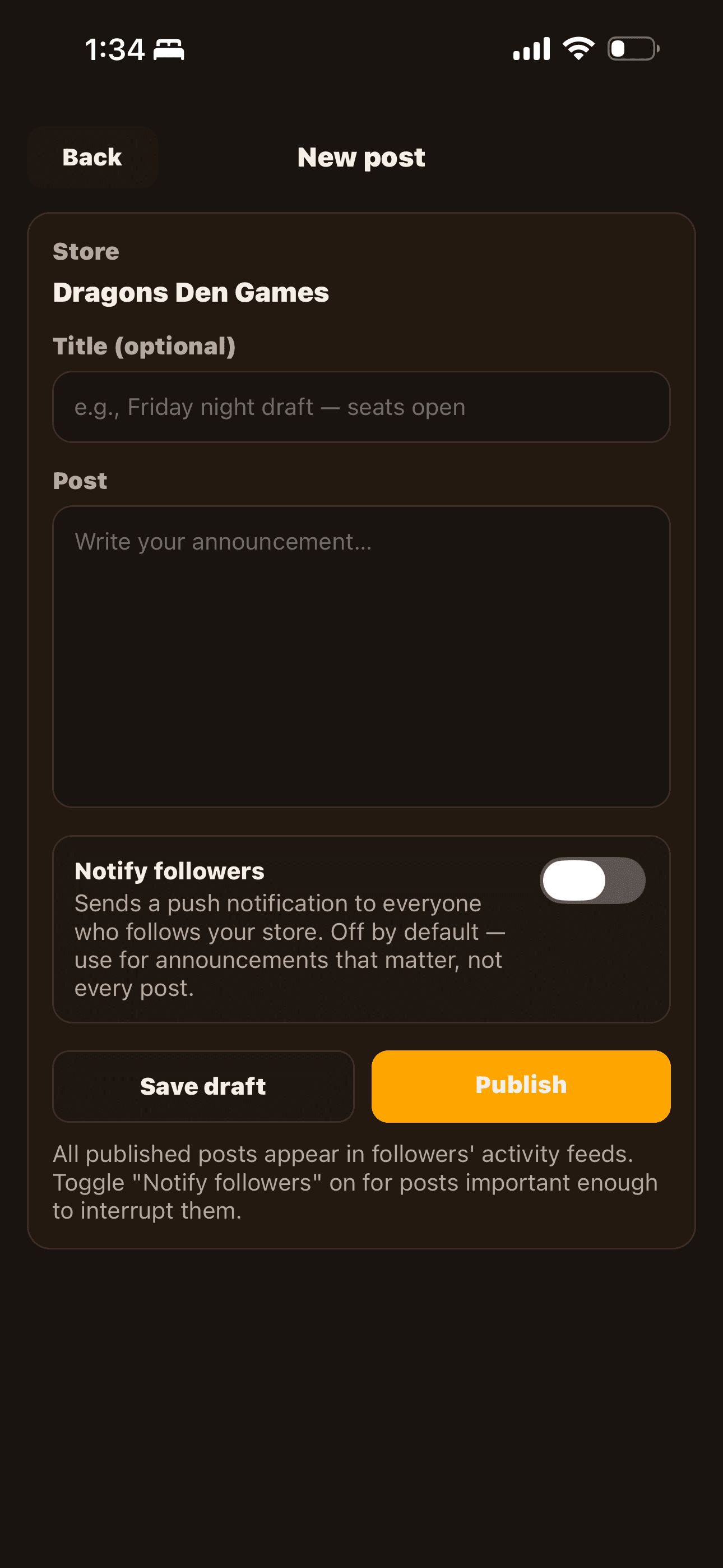
Push when it matters.
Every store post has a "Notify followers" toggle. Flip it on for the things that warrant a notification — a release party, a schedule change, a new recurring series — and every follower gets a push. Leave it off for the rest. OFF is the default, so you stay above the noise line.
The newsletter toggle is OFF by default for a reason. Use push notifications for events worth interrupting someone's day; use plain store posts for the rest.
A player who's been to 10 events at your store appreciates being noticed. Greet them by name. Save a seat. Small things; big retention impact.
The Regulars view tells you who's slipping away (sort by 'last check-in'). Reach out before they're gone.
Recognize your regulars.
Subscribe to the LGS plan and the Regulars view, newsletter toggle, and follower feed integration are all included.